Module 6 / Lesson 6.R

Module Reflection — Connection

Articulate your own Connection Profile: how you build presence, sustain relationships at distance, and bring warmth into professional contexts. Closes the 5Cs as the human-texture C.

This is a text-only reflection lesson – no video. Use the chatbot below to walk through the questions.

Welcome to the closing reflection of the whole course. This is 6.R, and it does two things: it closes Module 6 on Connection, and it closes the entire 5Cs framework. By the end of it you’ll have your Connection Profile – the one that joins the four you already have.

What you’ll produce

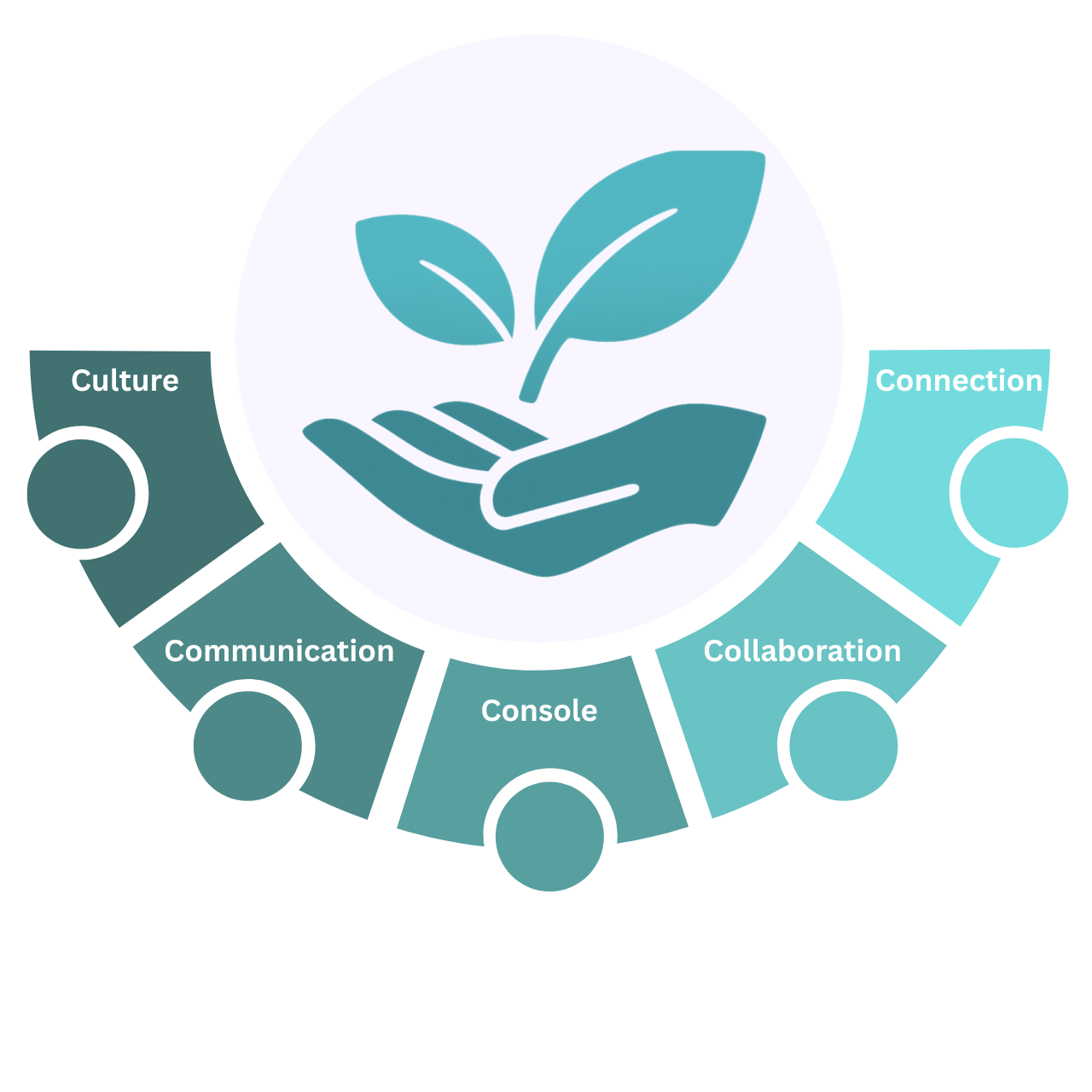
Your first-person Connection Profile – how you build presence, sustain relationships at distance, and bring warmth into professional contexts. It goes on your Remote Readiness dashboard as the fifth and final Profile, alongside Cultural, Communication, Console, and Collaboration. When it’s done, you have all five – the moment the dashboard becomes whole. Module 7 helps you put it to work.

The seven questions

Walk through each of these with the chatbot, at your own pace. The first answer is usually fine; the second, after a small push, is usually better. Then move on.

  1. Three adjectives for how you want colleagues to experience you.
  2. Where do you sit on the authenticity-and-professionalism spectrum?
  3. What energises you, and what drains you, in remote interaction?
  4. How do you handle isolation?
  5. What boundaries do you want in your next role?
  6. One connection habit for the next thirty days.
  7. How will you notice if you start drifting toward invisibility or overextension?

What “done” looks like

Your profile is ready when:

  • It’s first-person and honest – what’s actually true, not what sounds correct.
  • It’s specific – a real habit and a real signal you’d watch for, not “I’ll stay connected.”
  • It names both edges – what helps you connect and how you’d spot yourself drifting too far either way.
  • It’s in your voice – not a coaching note from the chatbot.

The chatbot below walks through one question at a time, draws your answer out, and pushes gently on anything generic. When you finish, you’ll have all five Profiles – and the dashboard is whole.

Lesson exercise